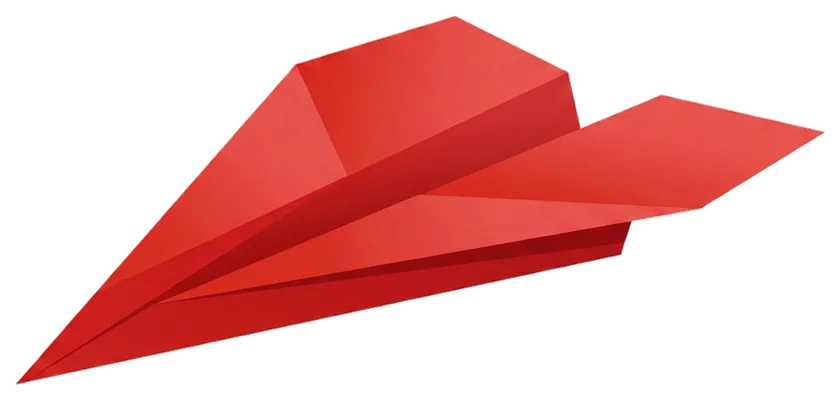
Fold the sky.

Paper airplanes you can actually fold, with every crease animated in 3D on a sheet of paper you can turn over in your hand. Learn the fold on screen, then throw the real thing.

No sign-up. Nothing to install to try it.

The hangar

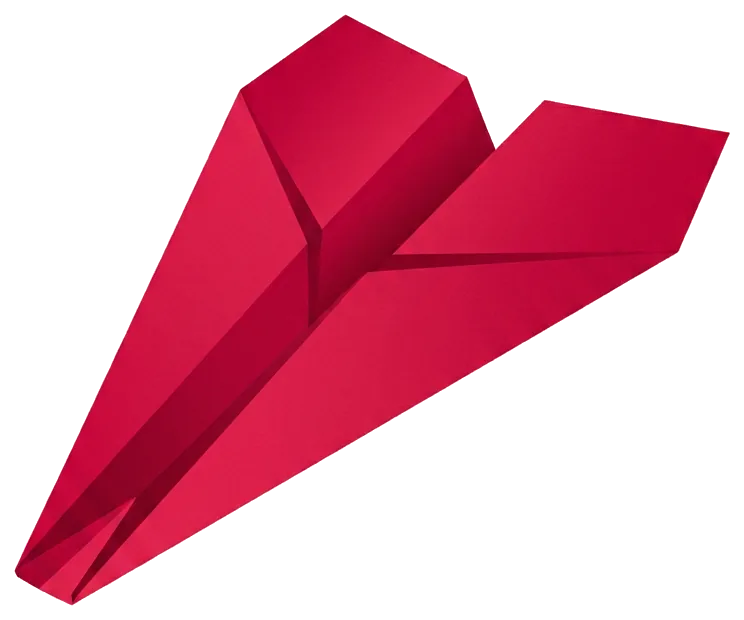
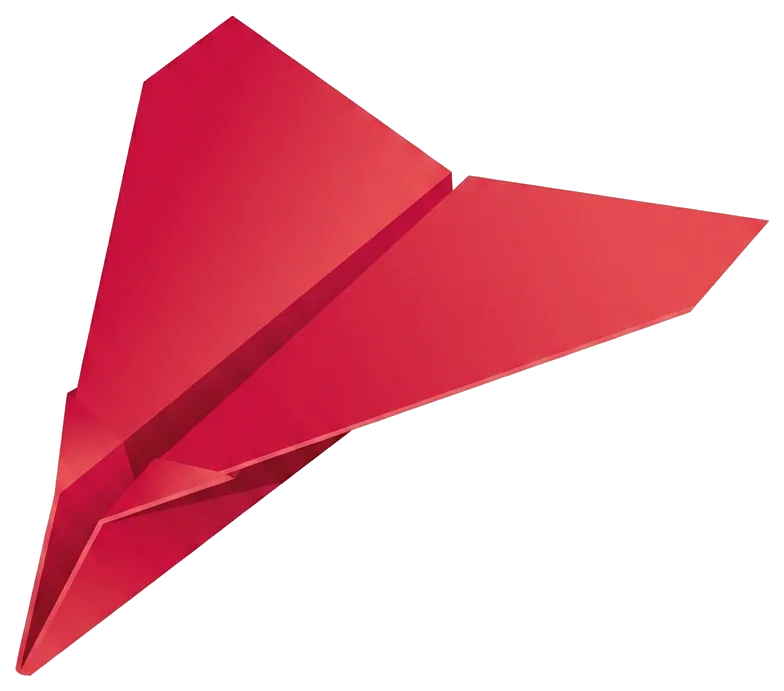
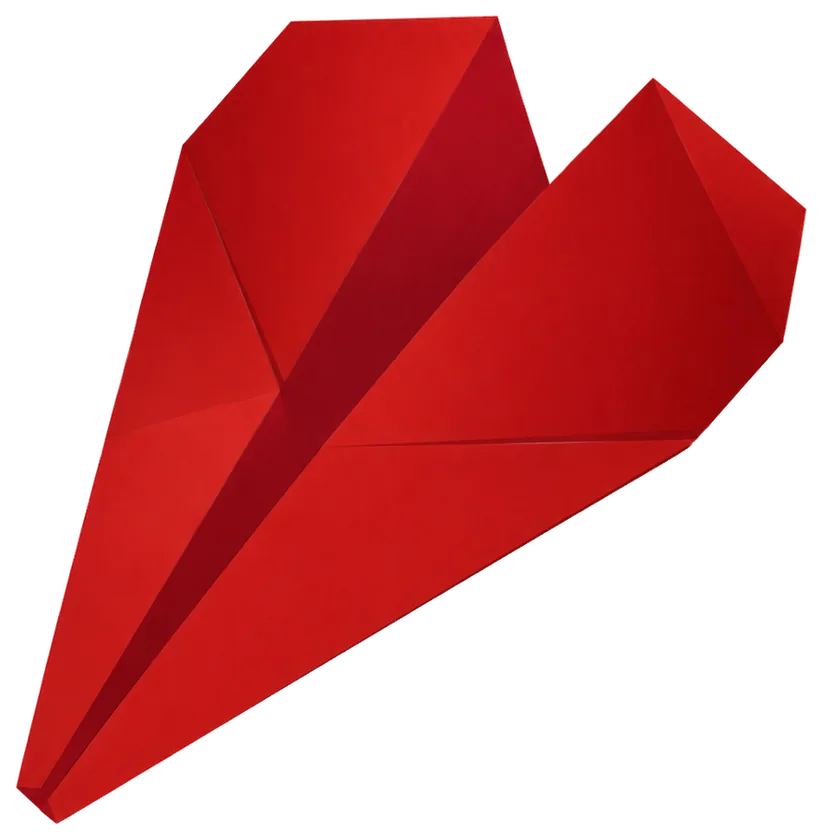
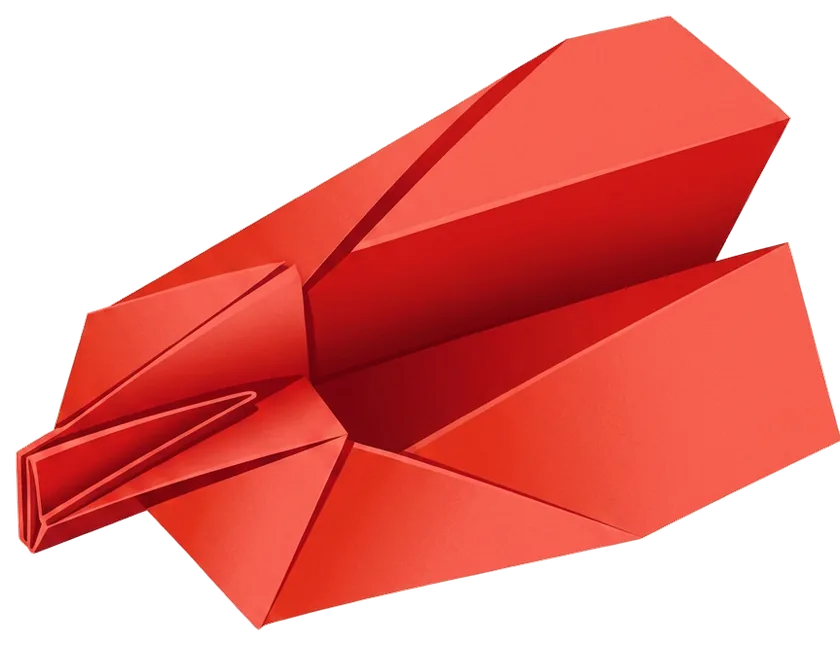
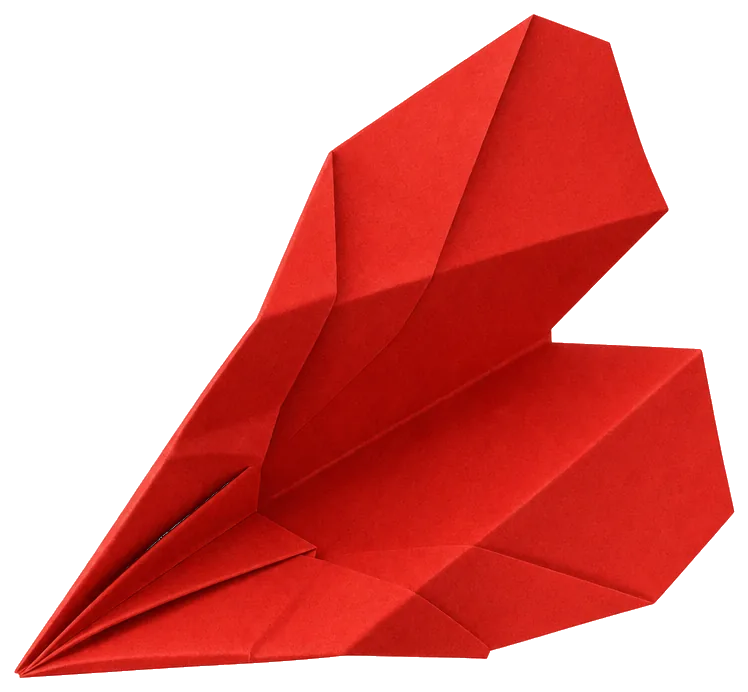
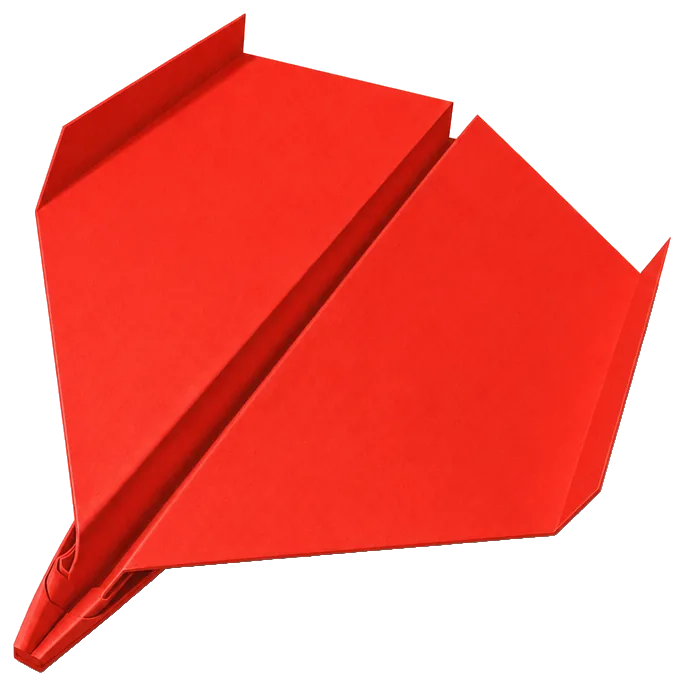
Eight planes, from a first dart to a twenty-six fold bird.

Every one is folded from a single uncut sheet, no scissors and no tape. Open any of them in the fold editor to watch the paper fold itself.

The folding engine

The engine that folds them, running in your browser.

The same folding engine that authored these designs and that draws the 3D paper inside the app also runs in your browser. Open a plane and scrub through it, pull the layers apart to see the stacking order, or draw your own creases on a blank sheet and see whether the paper survives. It is free, needs no account, and anything you save stays on your own machine.

Open the fold editor

Drag to orbit · scroll to zoom · space to play the fold · anything you save stays in your browser

How the app works

Written instructions lose you at fold six. This does not.

FOLD 01

See the fold before you make it

Each step animates on a 3D sheet you can rotate. When an instruction says "fold the top edge down to the centre", you can see which edge, which layer, and where it lands.

FOLD 02

Replay any step

Fold and unfold a step as many times as you need. The paper on screen is in exactly the state your paper should be in, so you can check yours against it before moving on.

FOLD 03

Know what you are aiming for

The finished plane is there in 3D from the start, along with what it is built to do: a dart for distance, a glider for airtime, a tail spin for the trick.

Questions

What people actually ask about paper planes.

How do you make a paper airplane that flies far?

Distance comes from a heavy nose and a narrow wing. A dart concentrates most of the paper in the front few centimetres, which moves the centre of gravity ahead of the wing and keeps the nose down at speed, so a hard throw turns into forward travel instead of a stall and a loop.

Fold accurately and symmetrically: a wing a millimetre wider on one side turns the whole flight. Throw a dart hard and slightly above horizontal. If you want time in the air instead of distance, that is a different plane, a glider, with a broader wing and a lighter nose, thrown gently and level.

What is the best paper airplane design?

There is no single best one, because distance and airtime pull in opposite directions. Darts such as the Classic Dart or the Nose Dart are fast and straight and win on distance. Gliders such as the Winger have more wing and less nose weight, so they stay up longer but travel less far in a hard throw. Aerobatic designs such as the Tail Spin trade both for a trick, in that case a spiral.

Pick by what you want the plane to do, then fold it precisely. Precision matters more than the design: a well folded dart beats a sloppy one of any kind.

What paper should I use for a paper airplane?

Ordinary printer paper, around 80 gsm or 20 lb, in A4 or US Letter. It is stiff enough to hold a crease and light enough to fly. Avoid anything glossy, because the folds slip, and avoid card, because it is too heavy for the wing area.

Use a clean sheet with no folds already in it, and run a fingernail or the edge of a ruler along every crease. Aero's planes are all folded from one uncut rectangle, with no scissors, glue or tape.

Can I use Aero's folding engine without the app?

Yes. The fold editor is the real engine, the same one that authors the planes and the same one that drives the 3D view inside the app, compiled to run in your browser. You can open any of Aero's planes, scrub through the fold, orbit the paper, and pull the layers apart to see the stacking order.

You can also draw your own fold lines and build a model from a blank sheet, which is how these planes were made in the first place. Nothing is uploaded: what you save stays in your own browser.

Is Aero free?

Partly. A featured plane is always free to fold, and it changes every week, so there is something new to make without paying. Folding the whole hangar takes Aero Pro, which comes as a monthly or yearly subscription or a one-off lifetime purchase; prices vary by region and are shown on the paywall in the app.

The fold editor on this website is free and needs no account. Aero has no ads and no analytics.

Which paper airplane should a beginner start with?

The Classic Dart. It is eleven folds, every one of them a straightforward valley fold, and it is the plane most people half remember from school, so the shape is familiar even if the order is not. Once the folds are crisp, the Winger is the natural next one, because it introduces a wider wing and a different flight.

Leave The Bird until later: twenty-six folds including an accordion and a shaping step, and it is unforgiving of an inaccurate crease early on.

Is Aero good for kids?

It works well for a rainy afternoon with a child who can already fold a straight line, roughly six and up, and it is built for all ages rather than aimed only at children. The 3D view helps most where written instructions usually fail, which is telling which flap moves and which way it goes.

Younger children will want a hand with the sharper folds. The app is not directed at children under 13 and collects no personal data from them.

Why won't my paper airplane fly straight?

Almost always asymmetry. Hold the plane nose-on at eye level: the two wings should be mirror images, at the same angle, with the keel straight down the middle. A plane that rolls to one side usually has one wing folded slightly wider.

A plane that climbs then stalls and drops has too much nose-up angle, which you can fix by bending the back edge of the wings down very slightly. One that dives has the opposite problem. Adjust in small amounts, a couple of millimetres at a time, and throw between each change.

Now fold it for real.

Eight planes, step by step, in your pocket.

Get Aero for iPhone